
"I just created a Template and now it's gone!"
"I just created a Workflow and now it's gone!"
"I just added a contact and now I can't find it!"
They're not gone - they're just being filtered!
Filters make life in Realvolve faster and easier. They are easy to use once you realize that they're there and what they are for.
A "filter" is just a way for you to display only what you want to see, instead of everything at once.
If you can't find something you know should be there, odds are very good that you have a filter on and don't realize it.
The images below are simply to make you aware of where the filters are throughout Realvolve so you don't panic when you don't see something you should.  This video teaches you about Filters. The images below are just to show you where they are located.
How do I use the filters to be more efficient with your time - Kendyl Young
The following images show where all the filters are located
On the Dashboard

In the Contact Screen

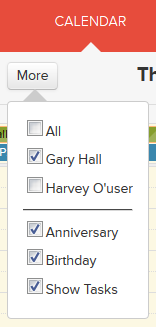
On the Calendar Screen
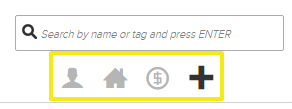
On the Workflow Screen
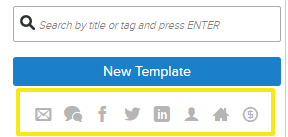
On the Template Screen
Take a look at this article for more details on the Contact Filters!